
Download Hoxs64 – Commodore 64, Retro Gaming, Emulator, Classic Games, Nostalgic Experience
Overview
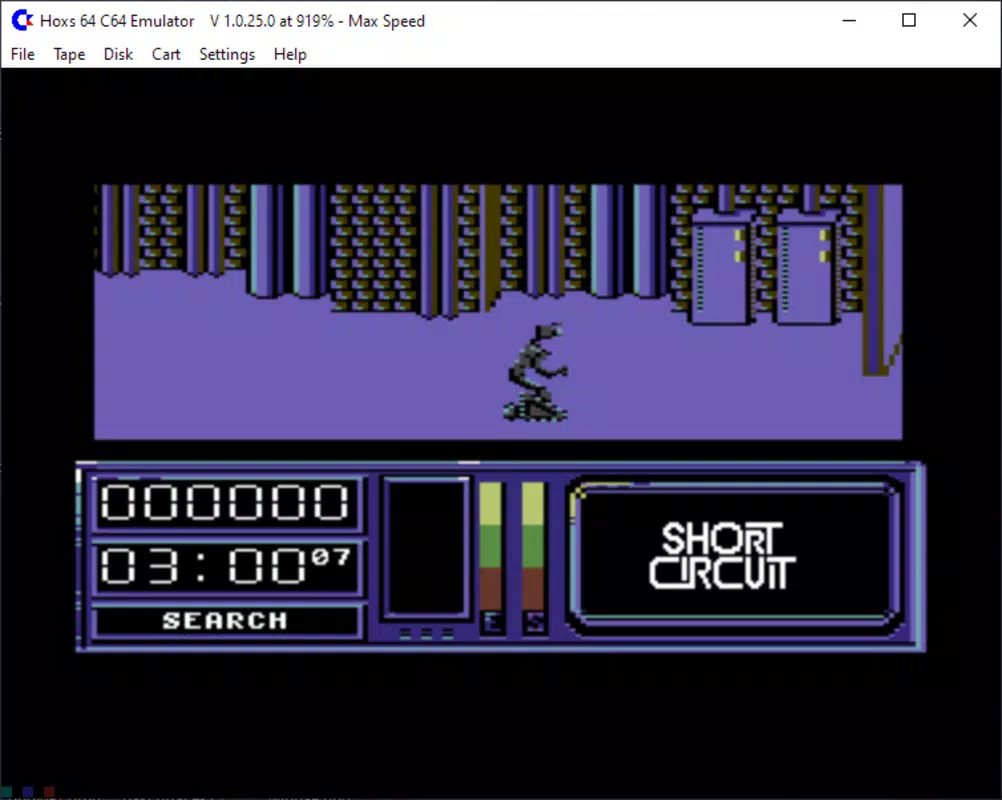
Hoxs64 is a mobile emulator designed to faithfully recreate the experience of using the iconic Commodore 64, one of the most influential home computers in history. The app enables users to play classic games from the video game golden era, offering a bridge between retro computing and modern mobile technology. It serves as a digital archive and interactive museum for fans of vintage software, allowing them to relive the charm of 8-bit gaming on contemporary smartphones and tablets.
The target audience includes retro gaming enthusiasts, nostalgic users who grew up with the Commodore 64, and younger players curious about the roots of modern gaming. Although the developer did not provide additional background on Hoxs64’s origins, the app’s focus on authenticity suggests a dedicated effort to preserve computing history. Real-world use cases include casual play sessions, educational demonstrations of early computer systems, and personal collections of classic titles.
In the broader app ecosystem, Hoxs64 fills a niche for retro-focused tools, offering a lightweight and accessible way to experience a foundational era in digital entertainment.
Key Features & Functionality
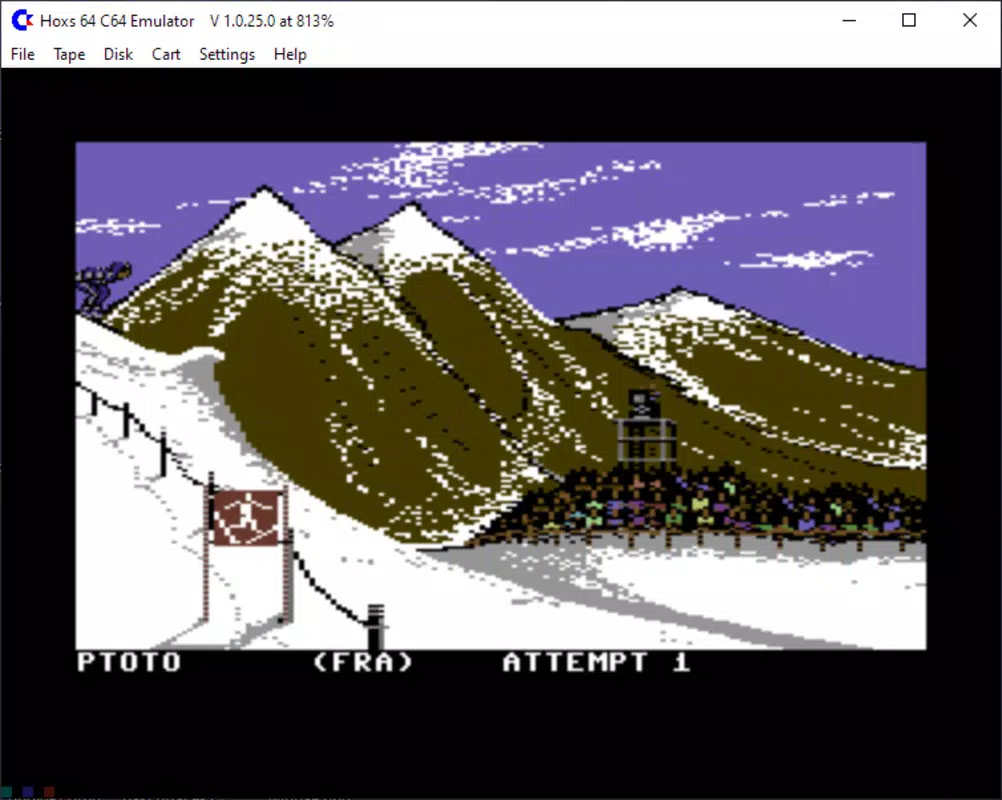
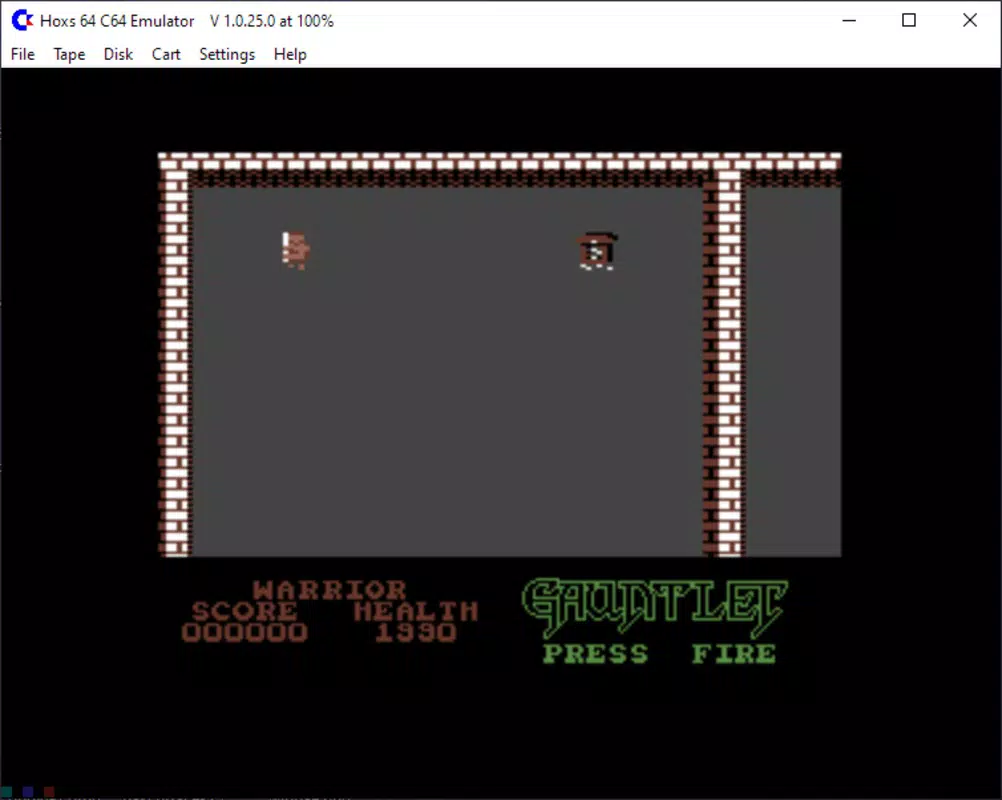
- Classic Game Compatibility: Hoxs64 supports a wide range of games from the Commodore 64 library, enabling users to load and play titles as they were originally released. This feature ensures that fans of retro gaming can access beloved classics with accurate behavior and timing.
- Customizable Controls: Users can tailor keyboard and mouse inputs to suit their preferred play style. This flexibility enhances comfort and precision, especially when navigating games with complex control schemes.
- Fullscreen Mode: The app offers an immersive fullscreen experience, maximizing screen real estate and replicating the visual presentation of the original machine on modern displays.
- Joystick Support: For users with external controllers, Hoxs64 provides compatibility with joysticks, allowing for a more authentic and tactile gameplay experience that appeals to purists.
- Nostalgic Experience: Designed to evoke emotional connections to the past, Hoxs64 captures the aesthetic and feel of the original Commodore 64, making it more than just a tool—it’s a time capsule for digital culture.
These features work together to deliver a cohesive experience. For example, a user can load a classic title like "Impossible Mission," switch to fullscreen mode, connect a joystick, and play with the same rhythm and control they might have used in the 1980s. This level of customization and authenticity supports both casual enjoyment and deeper engagement with gaming history.
Interface, UX & Performance
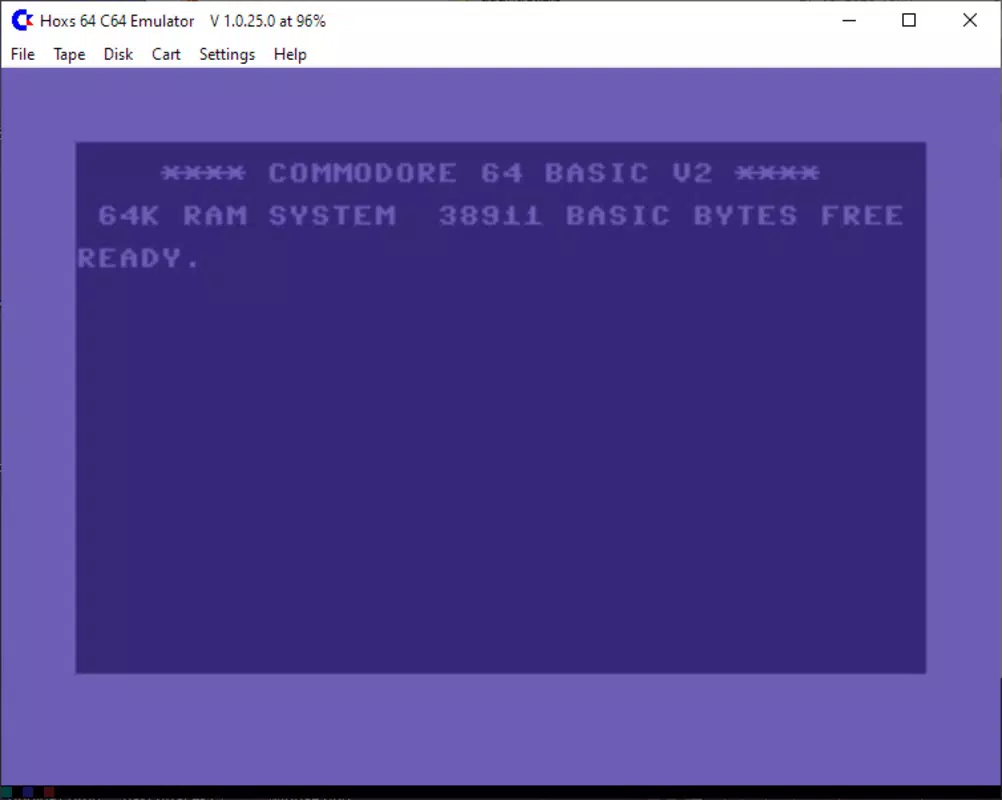
The interface of Hoxs64 is designed with simplicity and functionality in mind, focusing on minimalism to avoid distractions from the core experience. The layout centers around a clean emulator window, with accessible control settings and game loading options. Visual style reflects the retro aesthetic of the Commodore 64, with pixelated graphics and a monochrome or limited-color palette that enhances authenticity.
Navigation is straightforward, allowing users to load games, adjust settings, and switch between modes with few taps. The app maintains a responsive interface across various device sizes, though the developer did not list formal performance metrics. Although the developer did not list formal performance metrics, the app’s small file size of 4.5 MB suggests an optimized design focused on efficiency.
Stability appears consistent, with no reported issues in the provided data. The app runs smoothly on devices that meet the minimum requirements, and its lightweight nature ensures quick startup times. Overall, the user experience is intuitive and tailored to both newcomers and seasoned retro gamers.
Platform Compatibility & Technical Requirements
Hoxs64 is available exclusively on the Android platform, making it accessible to a broad audience of mobile users. The app is designed for Android devices, though specific OS version requirements were not listed. The file size is 4.5 MB, indicating a compact and efficient application that does not burden device storage.
The current version is 1.0.0, suggesting an initial release focused on core functionality. The developer did not specify minimum OS requirements, nor did they detail compatibility with tablet or phone form factors. However, the app’s lightweight design implies it should function on a wide range of Android devices, including older models.
Users should ensure their device supports the necessary emulation layer for running legacy software. Compatibility information was not fully disclosed, so users are advised to test the app on their specific hardware.
Pros and Cons
- Authentic recreation of the Commodore 64 experience
- Support for classic games from the golden era
- Customizable controls for improved gameplay comfort
- Fullscreen mode enhances immersion
- Joystick support for purists and enthusiasts
- Free to download and use
- Small file size, low storage impact
- Specific OS requirements not disclosed
- Compatibility with certain Android devices not confirmed
- No official update frequency or roadmap provided
- Limited visual customization beyond the retro aesthetic
- No built-in game library or search functionality
- Requires users to source game ROMs independently
FAQ
Is Hoxs64 free to use?
Yes, Hoxs64 is available at no cost. The app does not require a subscription or in-app purchases.
Can I play Commodore 64 games on Android with Hoxs64?
Yes, Hoxs64 is designed to run Commodore 64 games on Android devices. You can load and play compatible ROMs directly through the app.
Do I need to provide my own game files?
Yes, the app does not include a built-in library of games. Users must obtain ROM files independently, ensuring they have legal rights to use them.
Is joystick support available on all Android devices?
Joystick support is available for devices that can connect external controllers. Compatibility depends on the device’s hardware and Android version.
How often is Hoxs64 updated?
The developer has not disclosed an update schedule. The current version is 1.0.0, and future updates may be released based on user feedback and technical improvements.
Final Thoughts
Hoxs64 stands out as a dedicated and lightweight emulator that successfully captures the spirit of the Commodore 64. It offers a genuine retro gaming experience with customizable controls, fullscreen immersion, and joystick compatibility—all without compromising performance. While the app lacks detailed technical specifications, its focus on authenticity and accessibility makes it a compelling choice for fans of vintage computing.
It is ideal for those seeking to relive nostalgic memories or explore the foundational era of video games. The free price point and minimal storage footprint further enhance its appeal. For anyone interested in retro gaming, Hoxs64 delivers a polished and respectful tribute to a legendary machine.
Download Hoxs64 now.


